
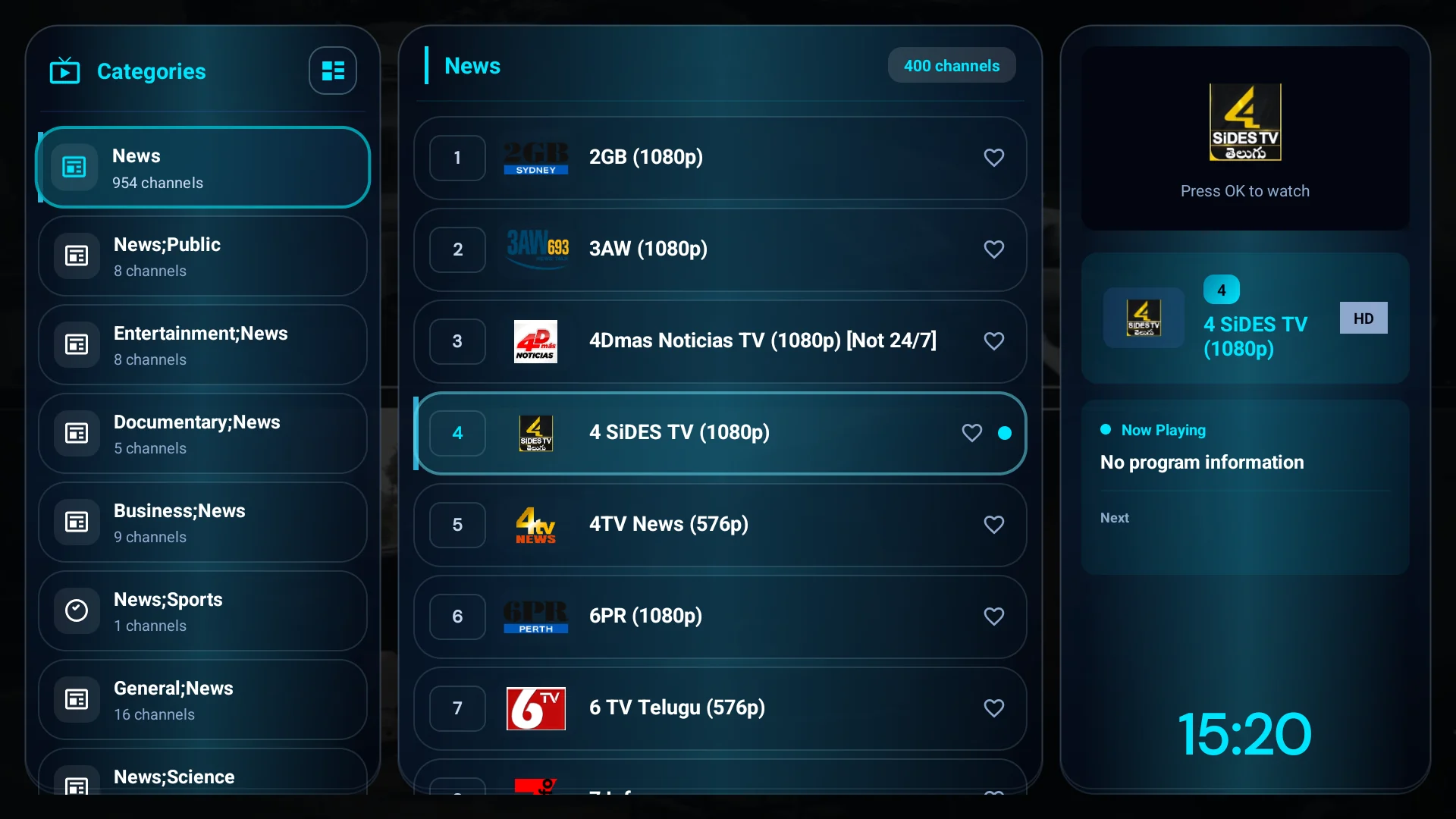
AvailableAndroid TV · Fire TV
MoPlayer Classic
Light, fast and familiar — it runs even on older Android 7 boxes at 720p.
v2.5.1 · 50.8 MB · Android 7.0+
MoPlayer
MoPlayer plays your own Xtream or M3U source on Android TV, Fire TV, phones and Windows. Pick the edition that fits your device — each download comes straight from its official release.
The family
Every edition is a player only, activates with a QR code from your phone, and speaks Arabic and English.
Light, fast and familiar — it runs even on older Android 7 boxes at 720p.
v2.5.1 · 50.8 MB · Android 7.0+
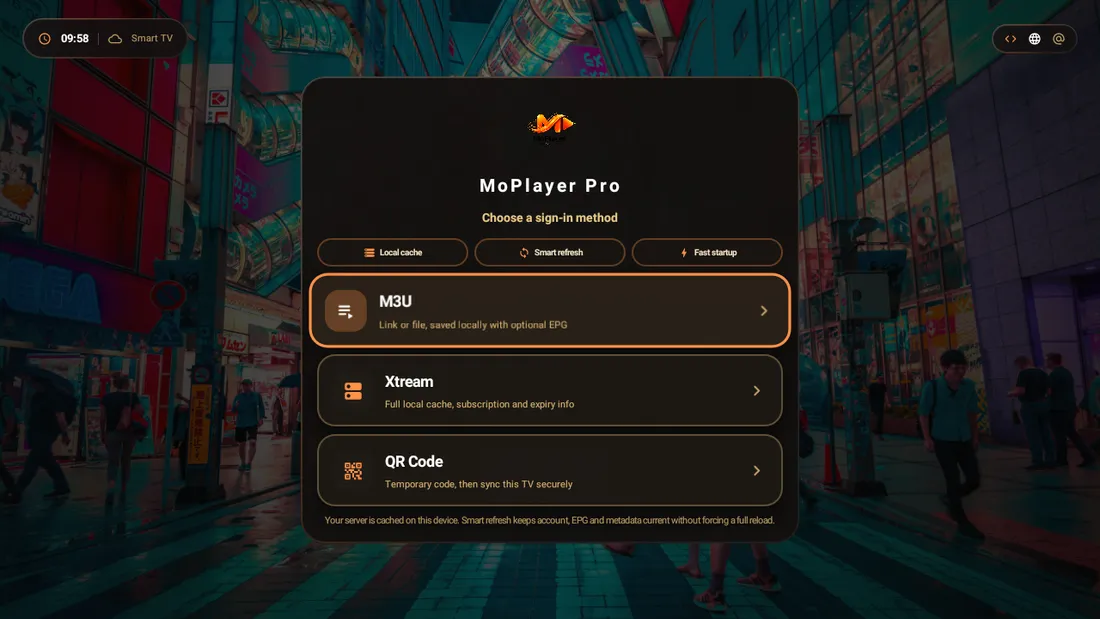
The newer app: warm amber interface, a fast indexed library and a richer player.
v2.7.2 · 53.6 MB · Android 6.0+
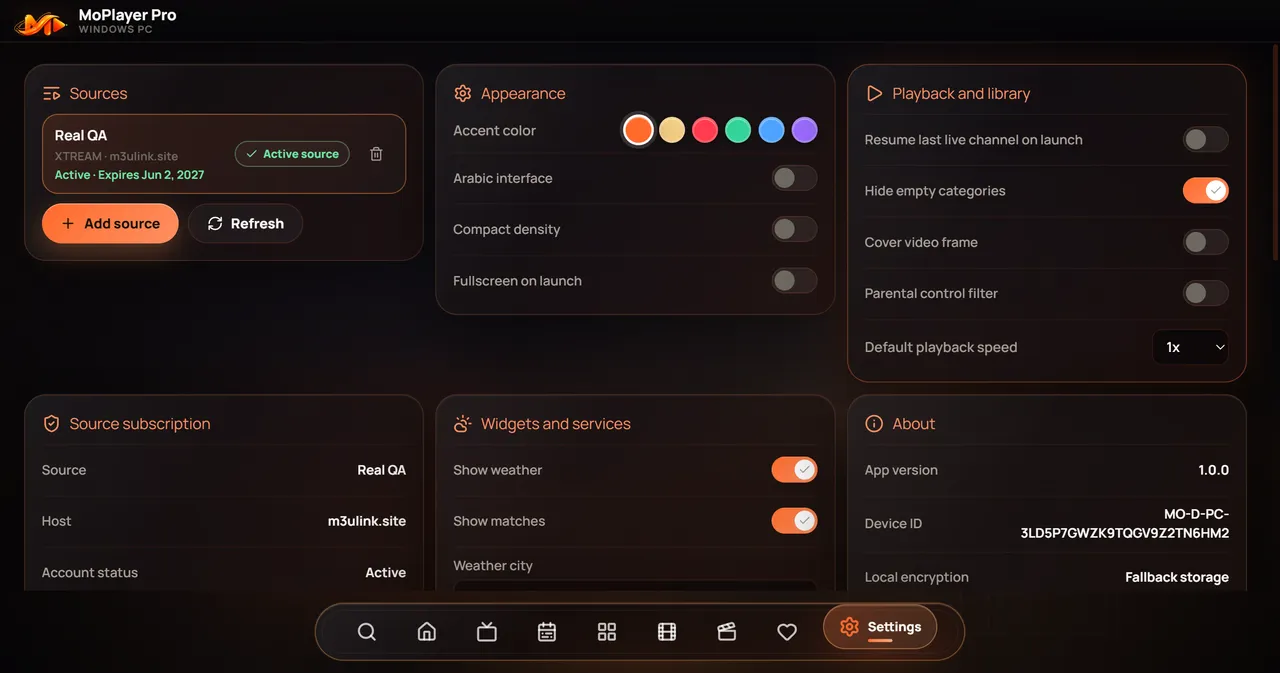
MoPlayer on the desktop: Live TV, movies, series and multi-view, with QR activation.
v1.0.4 · 110.2 MB · Windows x64
An iPhone version is being prepared for the App Store. It is not available to download yet.
Not published yet
Choose MoPlayer Classic. It is the lightest and runs on Android 7 at 720p.
Choose MoPlayer Pro for the richer player, fast library search and continue watching.
Choose MoPlayer PC, with an installer or a portable version.
Android TV · Google TV · Fire TV
One TV page with both apps: moalfarras.space/tv
MoPlayer Classic
Downloader code
2418397
Or the link
moalfarras.space/mp
v2.5.1 · 50.8 MB · Android 7.0+
MoPlayer Pro
Downloader code
4608937
Or the link
moalfarras.space/mp2
v2.7.2 · 53.6 MB · Android 6.0+
Classic or Pro
Both are free, both are players only, and they install side by side. Each has its own APK, activation and updates.
MoPlayer is a media player only. It does not sell or include channels, playlists, subscriptions or copyrighted media. You add a source you own or are legally allowed to use.