
Linux apps
Sandboxed Flatpak apps from Flathub and the MoOS store, with clear updates.
 MoOS
MoOSMoOS is a new desktop operating system built on Fedora Atomic and KDE Plasma 6. It combines a native Arabic desktop, Linux apps, optional Android and Windows compatibility layers, Mo AI, and phone control in one rollback-ready experience.
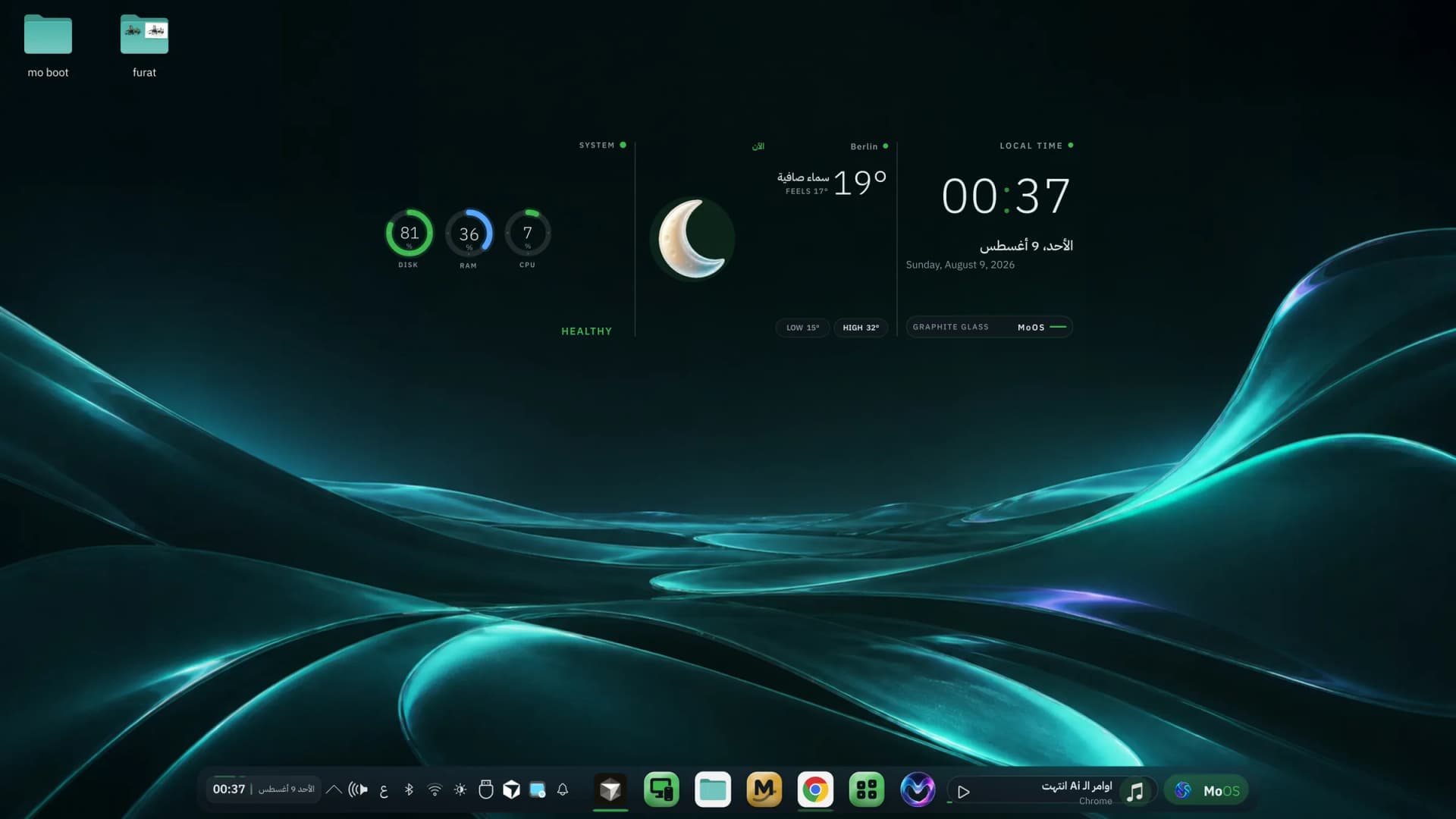
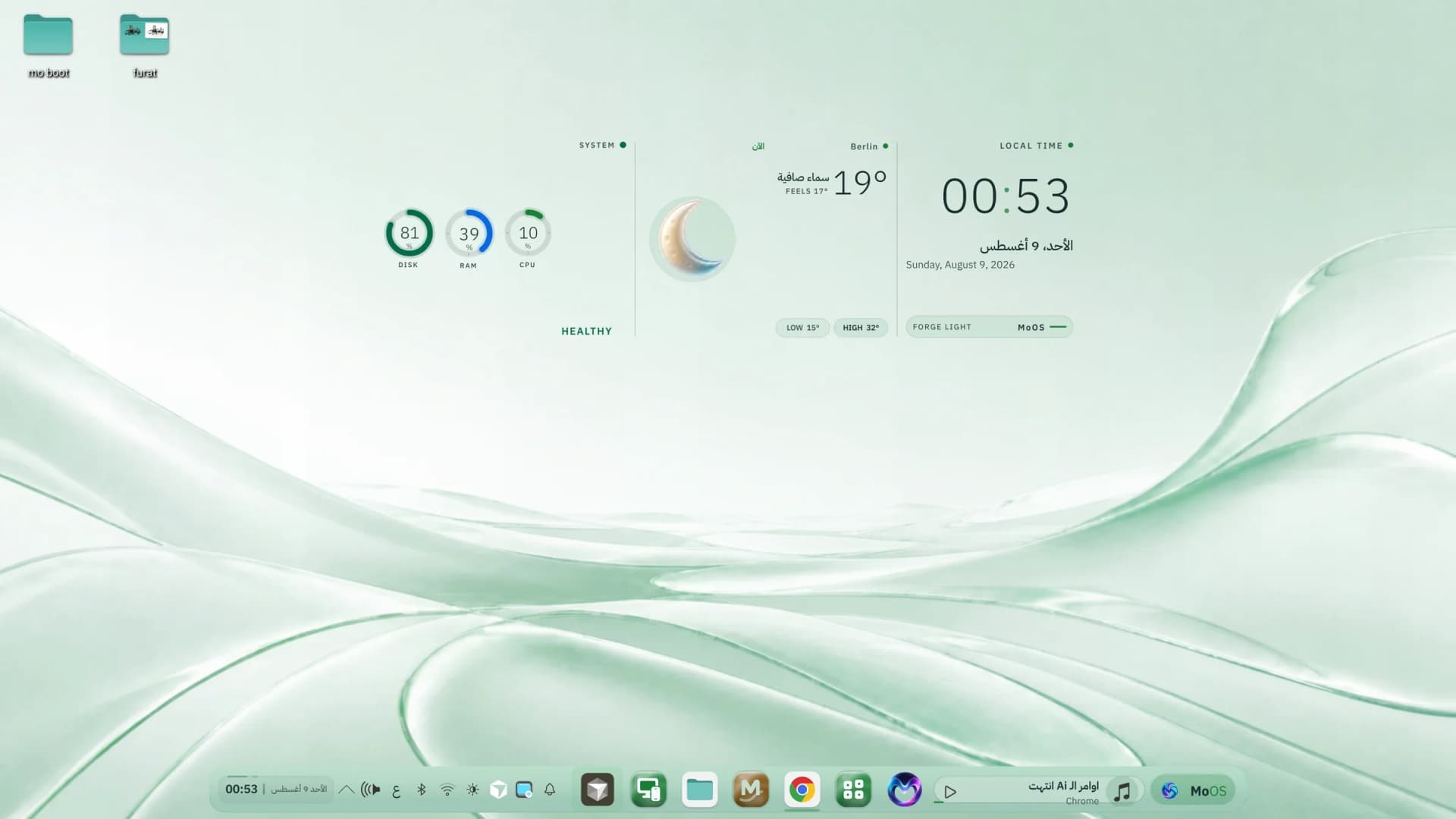
The real MoOS desktop — the Horizon hub with time, weather and machine health
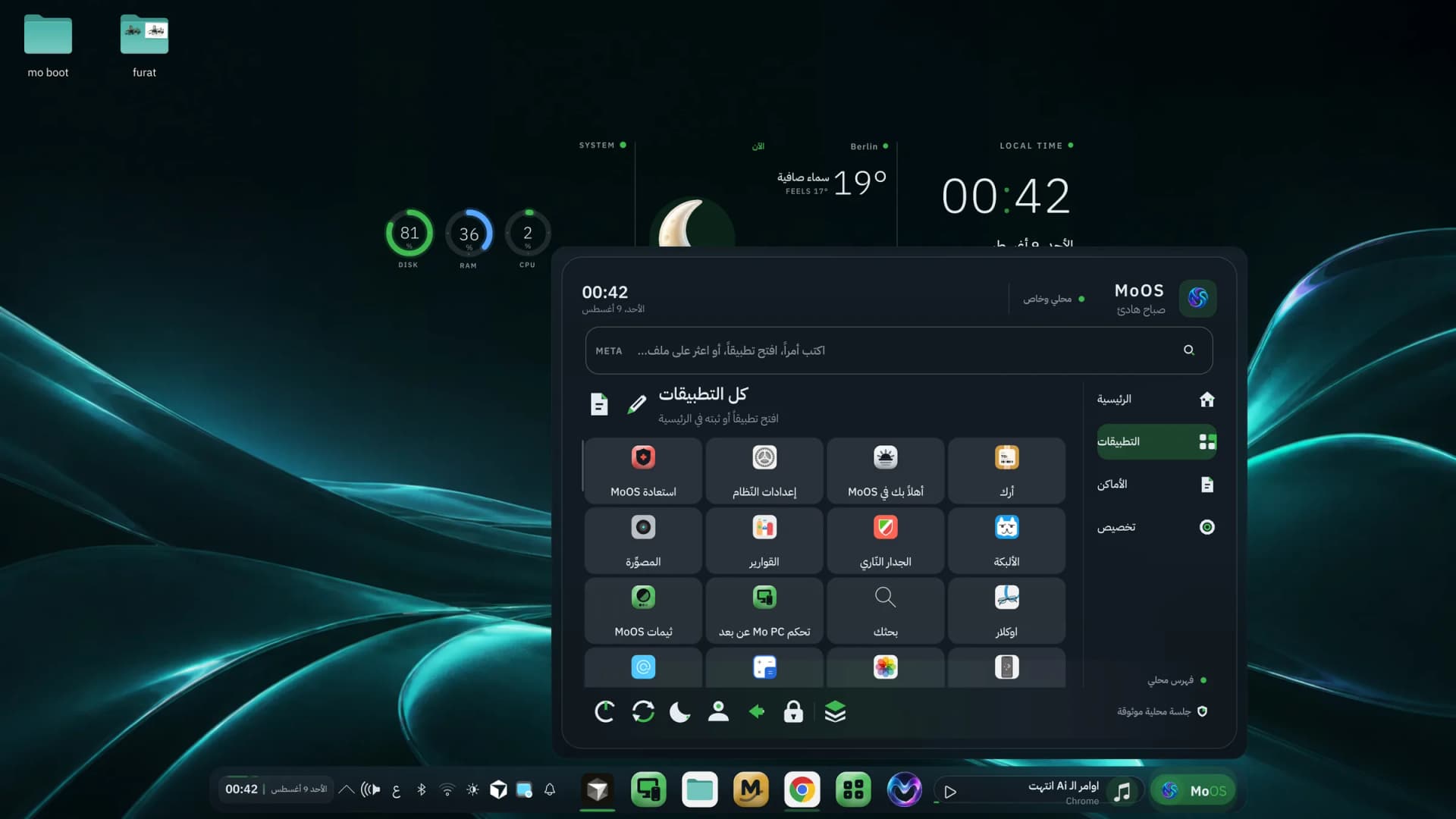
The MoOS launcher in full Arabic — a live screenshot from the system
The launcher, search, app names, dates, weather, and the direction of the interface itself are natively Arabic inside the system — not a bolt-on translation layer. Prefer English or German? Switch in one click.
Compatibility layers stay optional so the base system remains lean. Enable only what you need and know the boundary: some apps and games can require extra setup or may not work.
Sandboxed Flatpak apps from Flathub and the MoOS store, with clear updates.
Waydroid runs Android in a container. The first setup downloads about 1GB, ships without Google Play by default, and places installed APKs in your launcher.
Bottles manages Wine for isolated EXE environments. Compatibility varies by program, so MoOS does not promise that every app will run.
After its layer is prepared, open an APK or EXE normally; MoOS routes it to the right flow and explains what is missing instead of failing silently.
Instead of replacing hundreds of packages inside a running system, updates arrive as a signed image and apply after reboot. Software can still fail; the difference is a clear verification and rollback path to the previous deployment.
Every image is cosign-signed, and the installed system refuses any update that isn't signed with the MoOS key.
The previous version stays on disk. One command — or one GRUB entry — and you're exactly where you were.
A live hub, a media island, and a glass dock — a modern desktop that still runs smoothly on modest hardware.
Android, Windows and gaming support are prepared on demand, so your machine carries only what you use.
A full theme family generated from one colour source: wallpaper, windows, icons, lock screen and even the boot splash change together in a single click. Pick what suits you — the system stays coherent.












Core MoOS apps share one visual language: Mo AI for assistance and allow-listed system actions, the MoOS store for installs, Mo PC Remote for phone control, plus recovery, updates and settings.
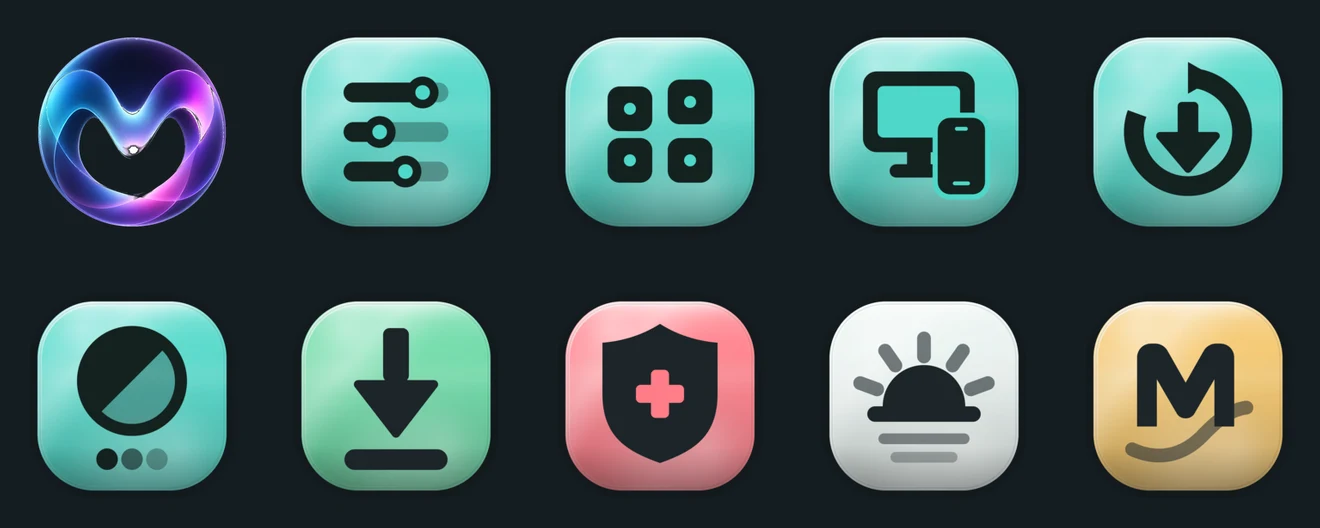
The same system in a light theme — equally clear by day
One surface for machine status, app discovery and specific allow-listed system actions. The local brain is optional, downloads a model on first use, and depends on your hardware; you can also configure a cloud provider with your own key.
Start the service when you need it, then open its connection address from a phone on your network. View the desktop, use touch input and type Arabic; the service is optional and its status is read from the machine.
MoOS is still a new, actively developed project. The capabilities shown here exist in the current image, but hardware and app compatibility still need testing on your machine.
The installer is an official script that verifies the release signature before installing, and pins your current system so rollback always works. Or copy the one-line command if you prefer the terminal.
The public desktop edition — signed, atomic, always current. For Intel, AMD and Nouveau machines.
sudo bootc switch ghcr.io/moalfarras-sys/moos:latest && sudo systemctl rebootThe same desktop with the open NVIDIA driver layered in, for modern NVIDIA GPUs.
sudo bootc switch ghcr.io/moalfarras-sys/moos-nvidia:latest && sudo systemctl rebootThe 24/7 server edition for any cheap VPS: SSH-first, no games layer, reachable from the browser.
sudo dnf install -y system-reinstall-bootc && sudo system-reinstall-bootc ghcr.io/moalfarras-sys/moos-cloud:latestEvery release is signed. You can confirm the image really came from MoOS before you install:
cosign verify --key https://raw.githubusercontent.com/moalfarras-sys/moos-image/main/cosign.pub ghcr.io/moalfarras-sys/moos:latestBack up important files first. Installation changes disk partitions, so read the disk-selection screen carefully and do not test on your only machine without a backup.
Get the ISO from this site and compare its SHA-256 before writing the USB.
Use Fedora Media Writer or Rufus. Do not use Ventoy with this image.
Choose the USB in your boot menu and use the live session to check networking, sound and display.
Open the MoOS installer, confirm disk and timezone, finish, then remove the USB on reboot.
Instead of leaving your machine on, take a cheap VPS and turn it into MoOS with one command. For development, for running Mo AI, for your own projects — same signed updates, reachable from anywhere.
sudo dnf install -y system-reinstall-bootc && sudo system-reinstall-bootc ghcr.io/moalfarras-sys/moos-cloud:latestWorks on Hetzner, Contabo, OVH, Vultr and Oracle — any provider that offers Fedora. Your SSH keys are carried over so you never lose access.
One command stages the latest signed image; it applies on the next reboot.
moai-do updateDidn't like an update? Go straight back to the previous version — or pick it from the boot menu.
sudo bootc rollback && sudo systemctl rebootFor machines that do not run Linux yet. This release passed live boot, offline installation, installed-disk boot, reboot, app smoke and clean poweroff in the release gate.
No fees, no account, no tracking. The full source is open and the signing key is public — you can verify every claim here yourself.
MoOS is an open-source personal project by Mohammad Alfarras.