
Fast PC playback
A light interface that feels right on a desktop screen.

A polished desktop player made for your PC
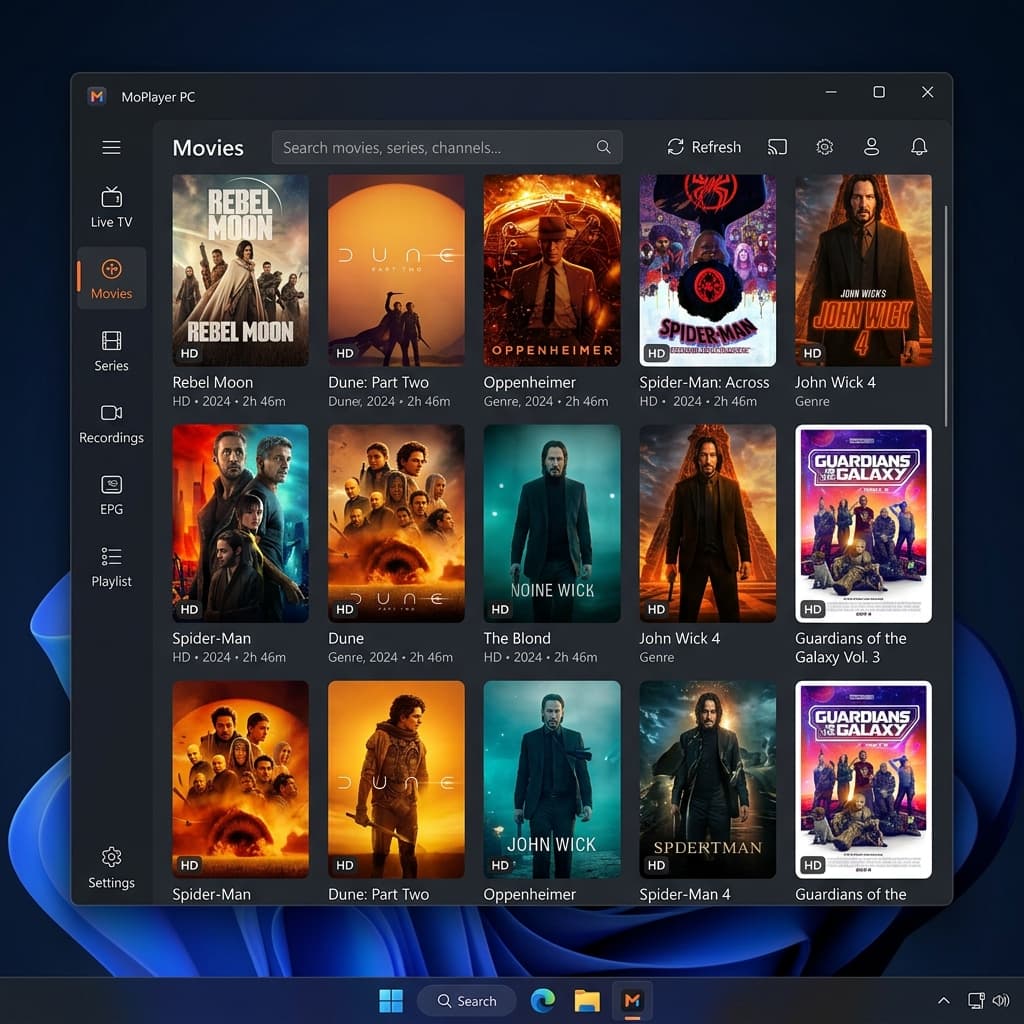
A light interface that feels right on a desktop screen.
Clear navigation with mouse, keyboard, and touch when you need it.
Activate the PC from the website and keep it inside the MoPlayer family.
Your sources stay with you, and the app never supplies content of its own.
1 / 5
These values come from the admin panel. If no release file is configured, the download button is hidden from visitors.
The PC edition keeps search, preview, lists, and daily controls in one calm desktop surface instead of forcing a TV layout into a small window.
This is the official file published from the MoPlayer page. Check the file name, version, and download source before installing. Windows may show a message because the app is independent and does not currently use a commercial publisher certificate.
Download the installer only from the official button on this page.
Confirm the file name and version match the release card shown here.
If a system message appears, review the details and continue only when the source is the official MoPlayer page.
Use the support route for installation, compatibility, or release questions.