
Pro product line
MoPlayer Pro has its own page, release channel, activation flow, and admin records.

Premium Android TV media playback with QR activation and receiver-style Live IPTV controls.
MoPlayer Pro keeps the same domain and management foundation while giving the new app its own public page, screenshots, releases, FAQs, support queue, runtime controls, and QR activation flow.
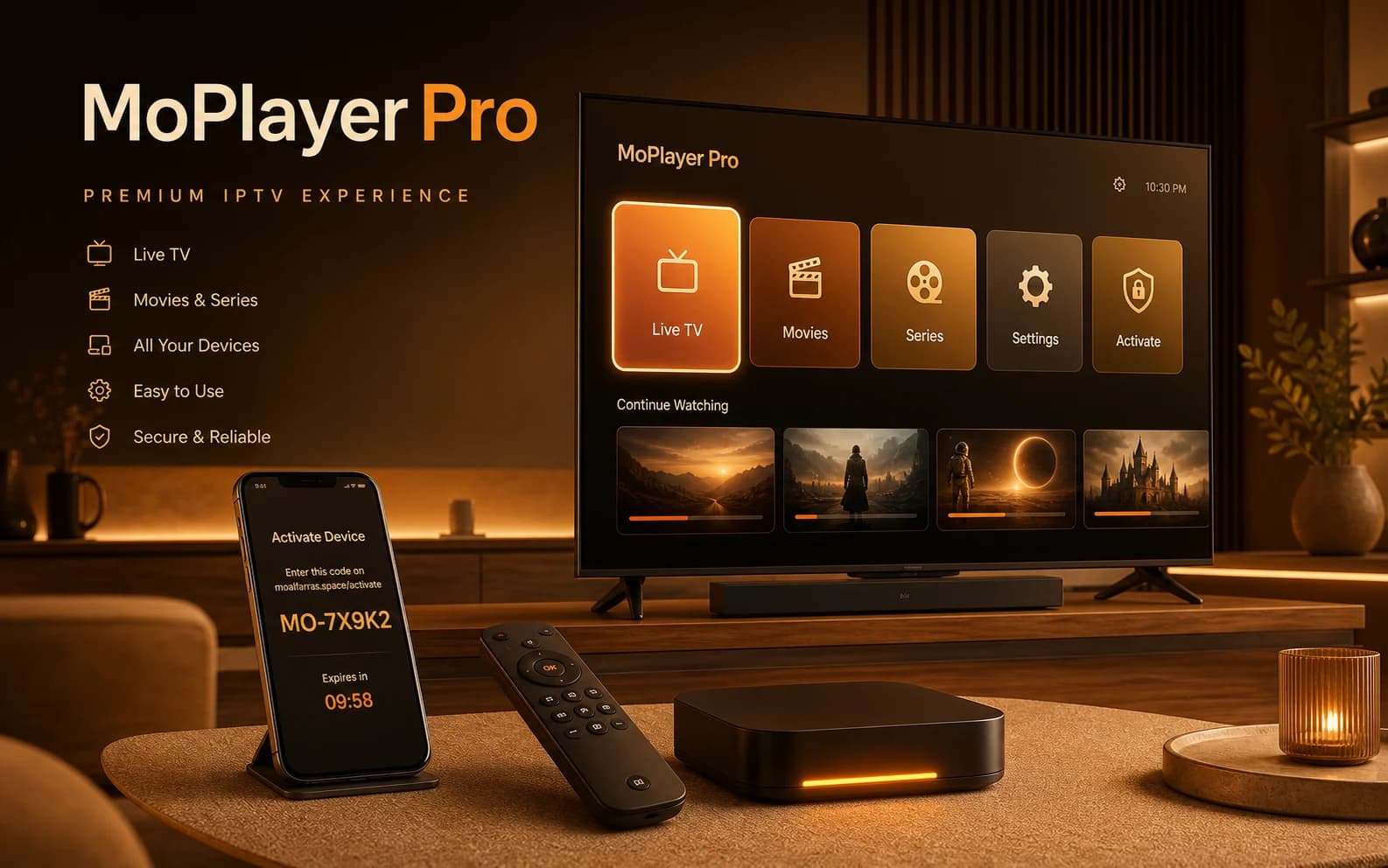
This is the easiest option for modern televisions and common Android TV boxes.
Every detail is designed for Android TV navigation, long-session browsing, and a calm premium feel.
MoPlayer Pro has its own page, release channel, activation flow, and admin records.
Users still download and verify through moalfarras.space.
Built for Android TV navigation and long-session media browsing.
The structure supports future activation, runtime config, and support per app.
1 / 7
Primary experience. Full remote control navigation with lean-back mode.
Touch-optimized interface with the same powerful features.
Compatible with Amazon Fire TV devices.
No. MoPlayer Pro is a player shell only. You connect your own supported source.
Yes. The interface and navigation flow are optimized for Android TV and remote control usage.
No public Google Play release is shown until a real listing exists.
MoPlayer Pro is a media player shell. It does not provide channels, playlists, subscriptions, or copyrighted media. Users connect only sources they are authorized to use.