
Signed and verified
Every image is cosign-signed, and the installed system refuses any update that isn't signed with the MoOS key.
 MoOS
MoOSMoOS is a real desktop operating system built on Fedora Atomic with KDE Plasma 6. Every release is built and signed automatically; your machine pulls the signed image and applies it on reboot — and if you don't like it, one command puts you back.
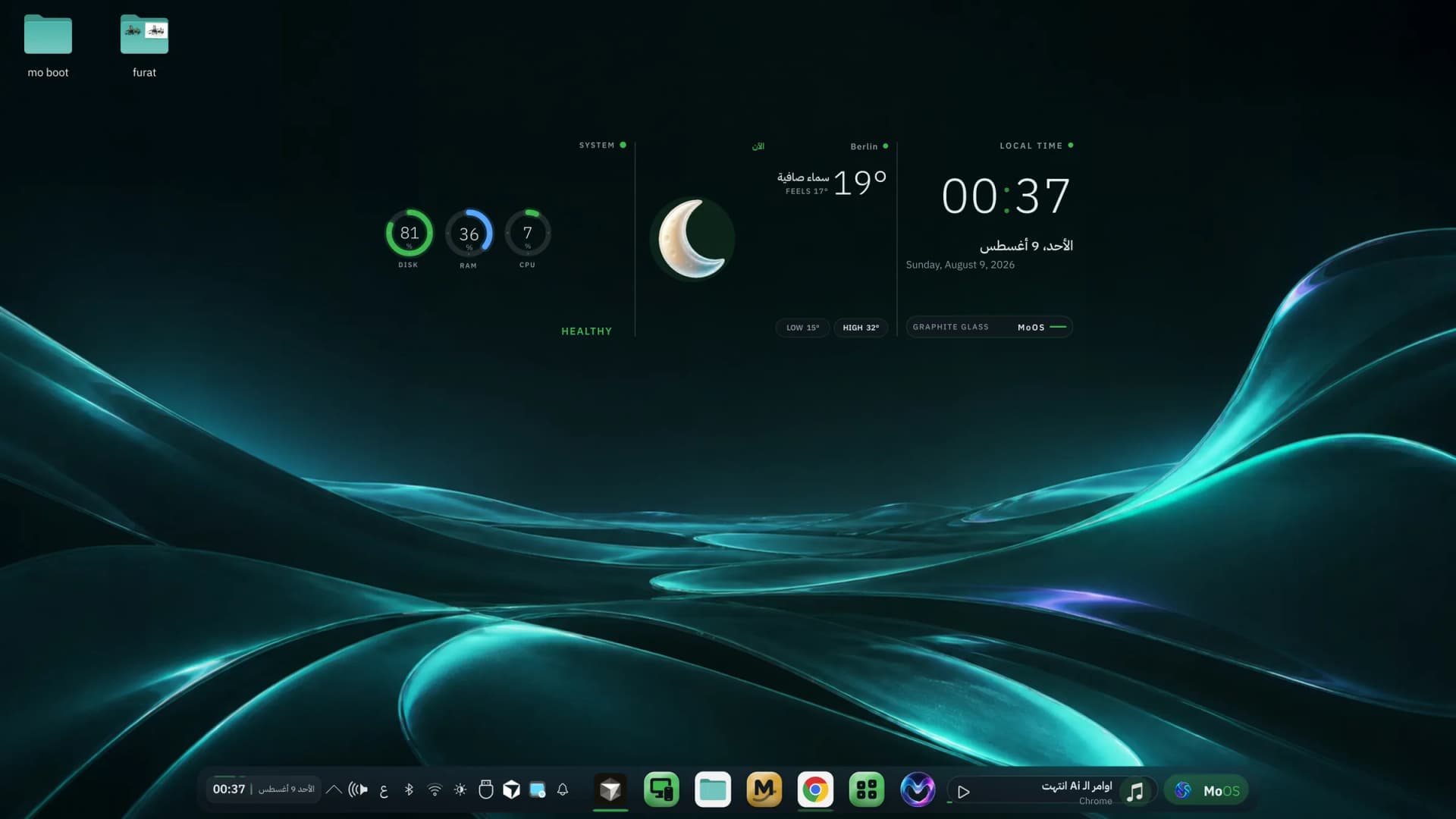
The real MoOS desktop — the Horizon hub with time, weather and machine health
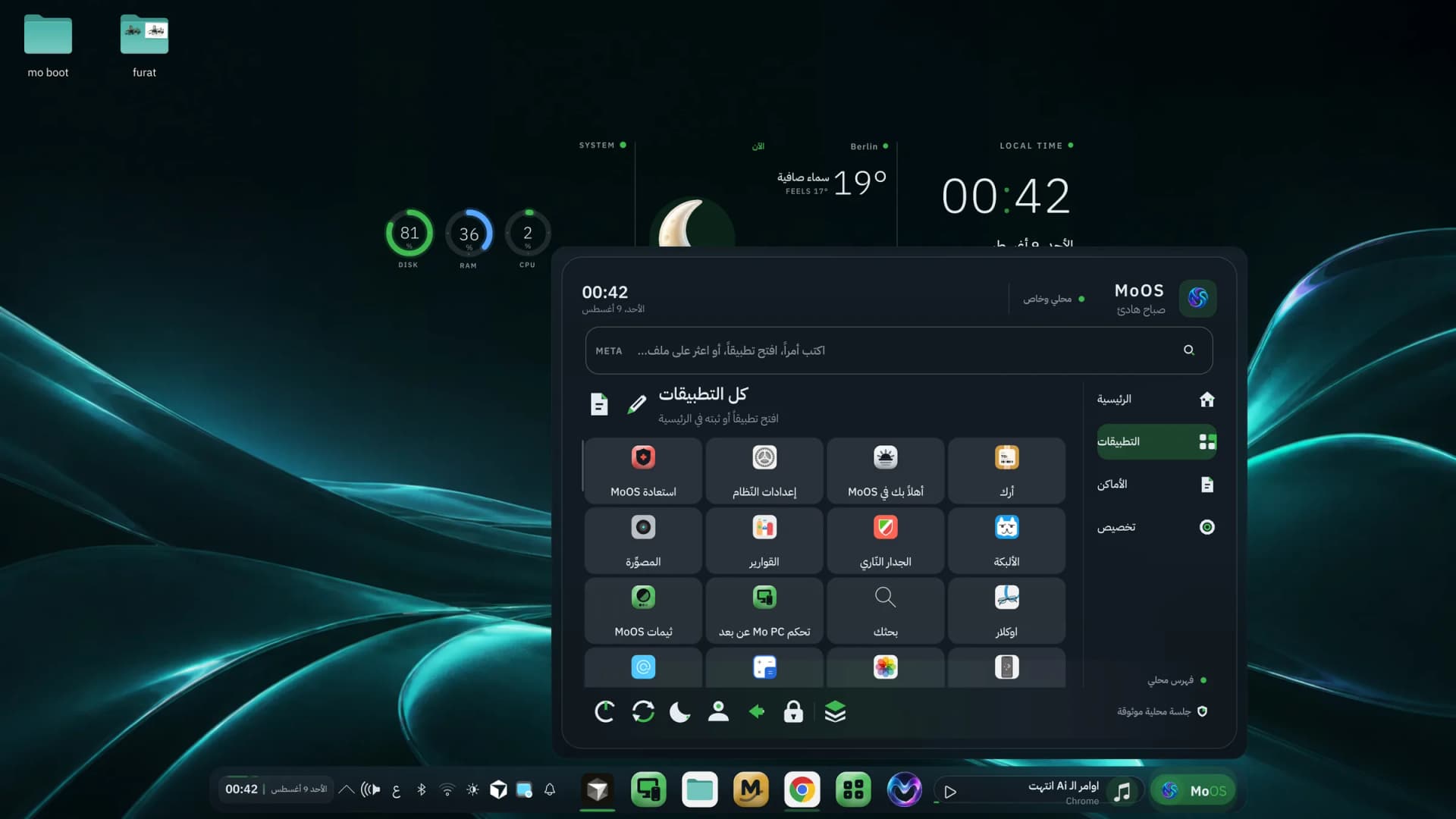
The MoOS launcher in full Arabic — a live screenshot from the system
The launcher, search, app names, dates, weather, and the direction of the interface itself are natively Arabic inside the system — not a bolt-on translation layer. Prefer English or German? Switch in one click.
MoOS isn't a traditional distro updated package by package until something snaps. The system is a single read-only image: built, signed, and applied whole on reboot. No half-finished update, no machine that refuses to boot with no way back.
Every image is cosign-signed, and the installed system refuses any update that isn't signed with the MoOS key.
The previous version stays on disk. One command — or one GRUB entry — and you're exactly where you were.
A live hub, a media island, and a glass dock — a modern desktop that still runs smoothly on modest hardware.
Mo AI, Mo Store, MoPlayer and Mo PC Remote are built into the image and ready from the first boot.
A full theme family generated from one colour source: wallpaper, windows, icons, lock screen and even the boot splash change together in a single click. Pick what suits you — the system stays coherent.



Icons and apps built in the same glass language — Mo AI to help, Mo Store to install, MoPlayer to watch, Mo PC Remote to drive it from your phone, plus recovery, updates and settings.
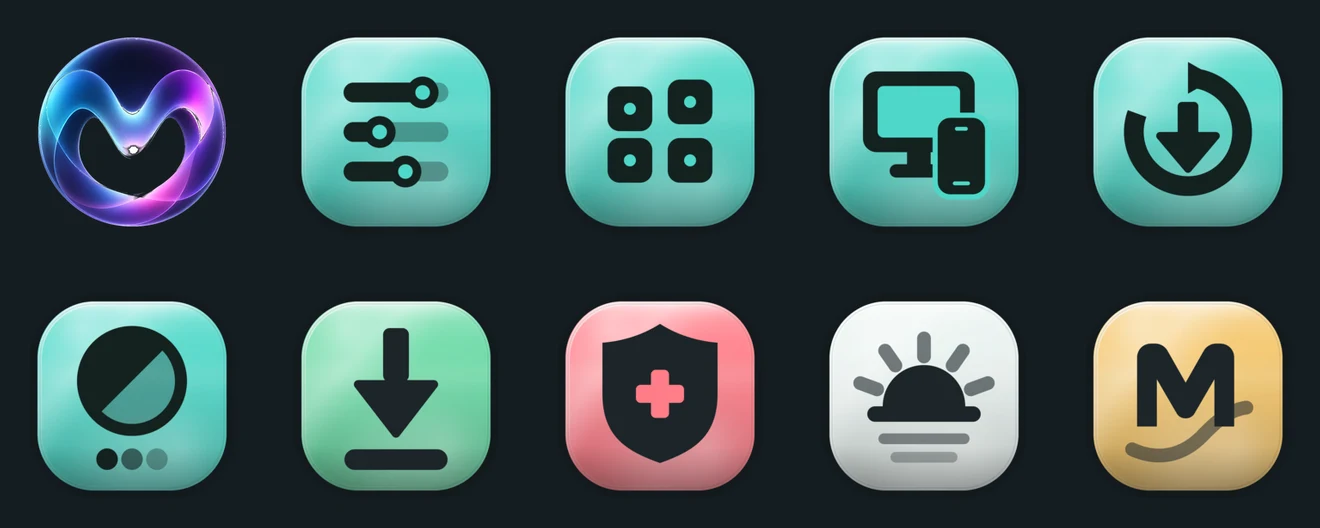
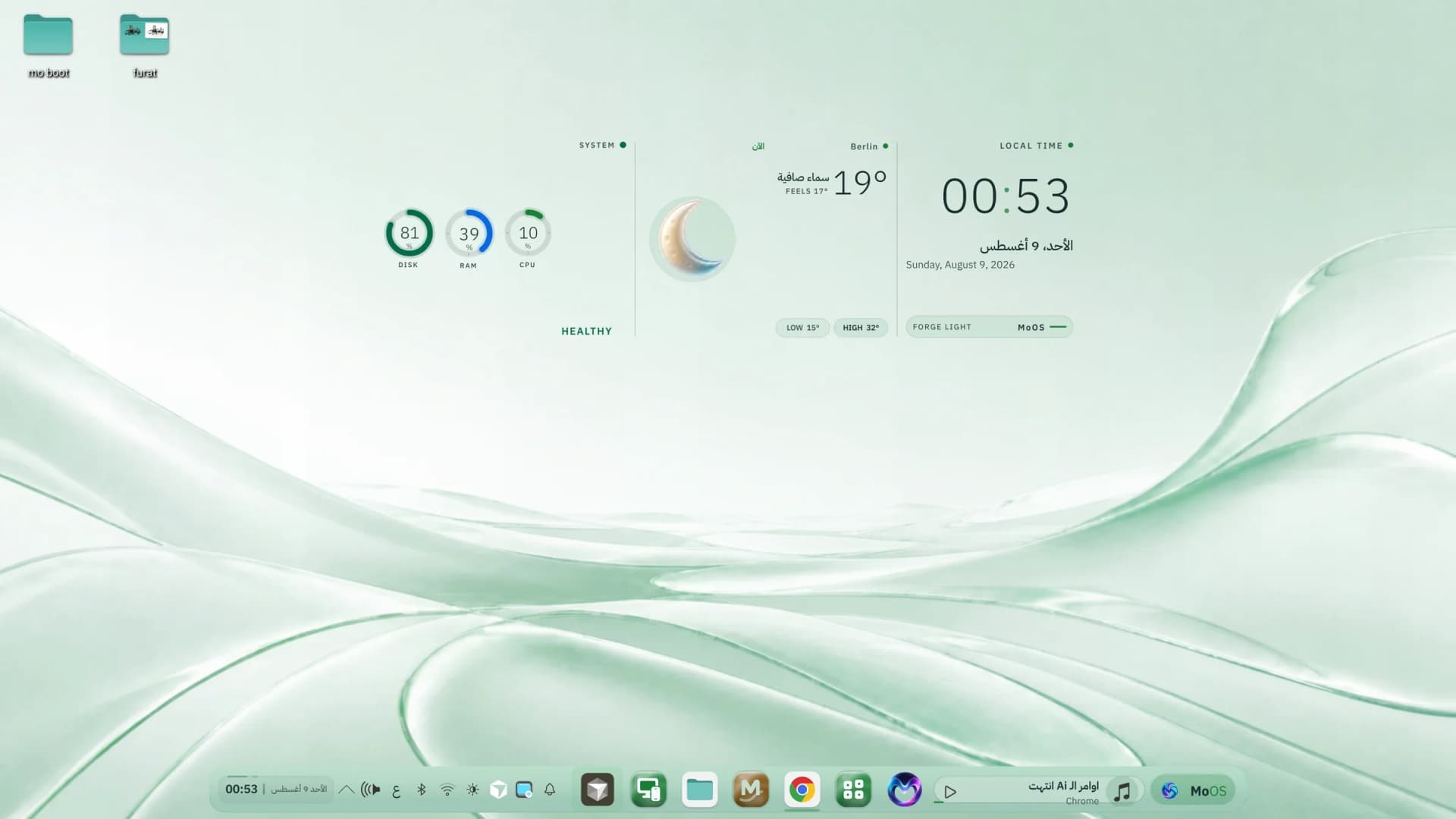
The same system in a light theme — equally clear by day
The installer is an official script that verifies the release signature before installing, and pins your current system so rollback always works. Or copy the one-line command if you prefer the terminal.
The public desktop edition — signed, atomic, always current. For Intel, AMD and Nouveau machines.
sudo bootc switch ghcr.io/moalfarras-sys/moos:latest && sudo systemctl rebootThe same desktop with the open NVIDIA driver layered in, for modern NVIDIA GPUs.
sudo bootc switch ghcr.io/moalfarras-sys/moos-nvidia:latest && sudo systemctl rebootThe 24/7 server edition for any cheap VPS: SSH-first, no games layer, reachable from the browser.
sudo dnf install -y system-reinstall-bootc && sudo system-reinstall-bootc ghcr.io/moalfarras-sys/moos-cloud:latestEvery release is signed. You can confirm the image really came from MoOS before you install:
cosign verify --key https://raw.githubusercontent.com/moalfarras-sys/moos-image/main/cosign.pub ghcr.io/moalfarras-sys/moos:latestInstead of leaving your machine on, take a cheap VPS and turn it into MoOS with one command. For development, for running Mo AI, for your own projects — same signed updates, reachable from anywhere.
sudo dnf install -y system-reinstall-bootc && sudo system-reinstall-bootc ghcr.io/moalfarras-sys/moos-cloud:latestWorks on Hetzner, Contabo, OVH, Vultr and Oracle — any provider that offers Fedora. Your SSH keys are carried over so you never lose access.
One command stages the latest signed image; it applies on the next reboot.
moai-do updateDidn't like an update? Go straight back to the previous version — or pick it from the boot menu.
sudo bootc rollback && sudo systemctl rebootFor machines that don't run Linux yet. It is built from exactly the same published image; permanent hosting is being finalized — until then the installer above gives you the same system.
No fees, no account, no tracking. The full source is open and the signing key is public — you can verify every claim here yourself.
MoOS is an open-source personal project by Mohammad Alfarras.